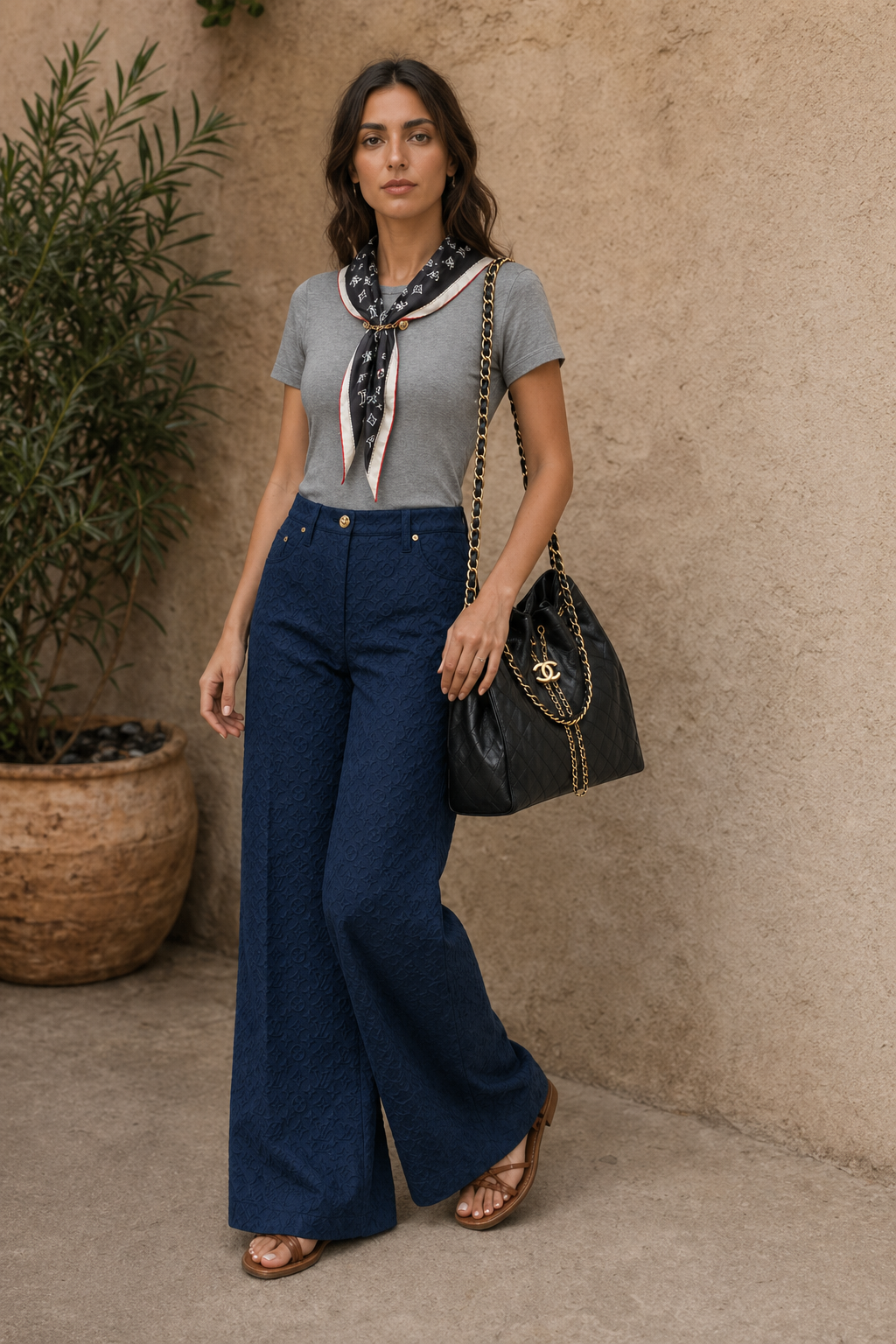
When to use virtual try-on
Use virtual try-on when you want to see how specific garments could work together on you, not just get text-based styling ideas.
Virtual try-on
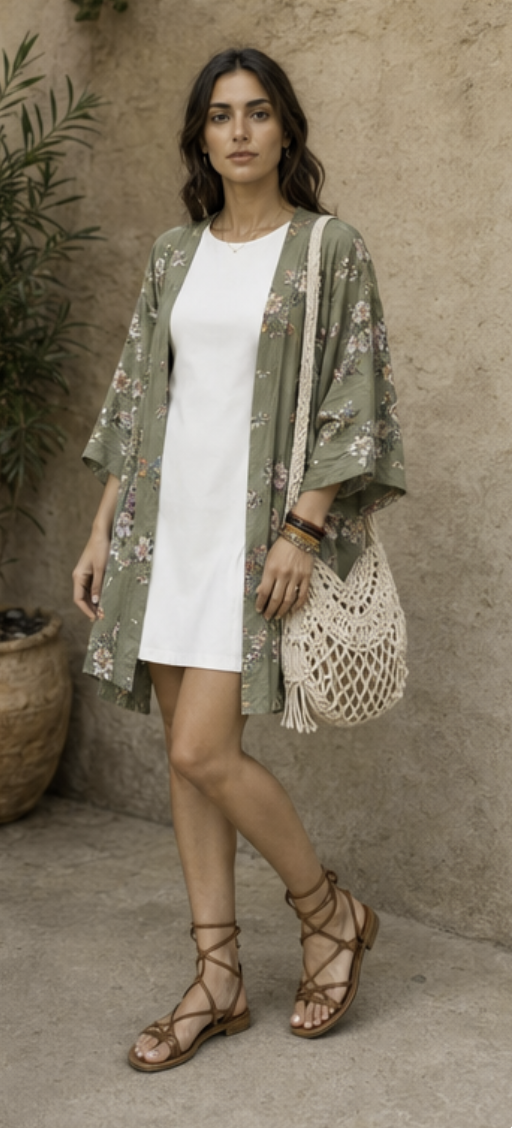
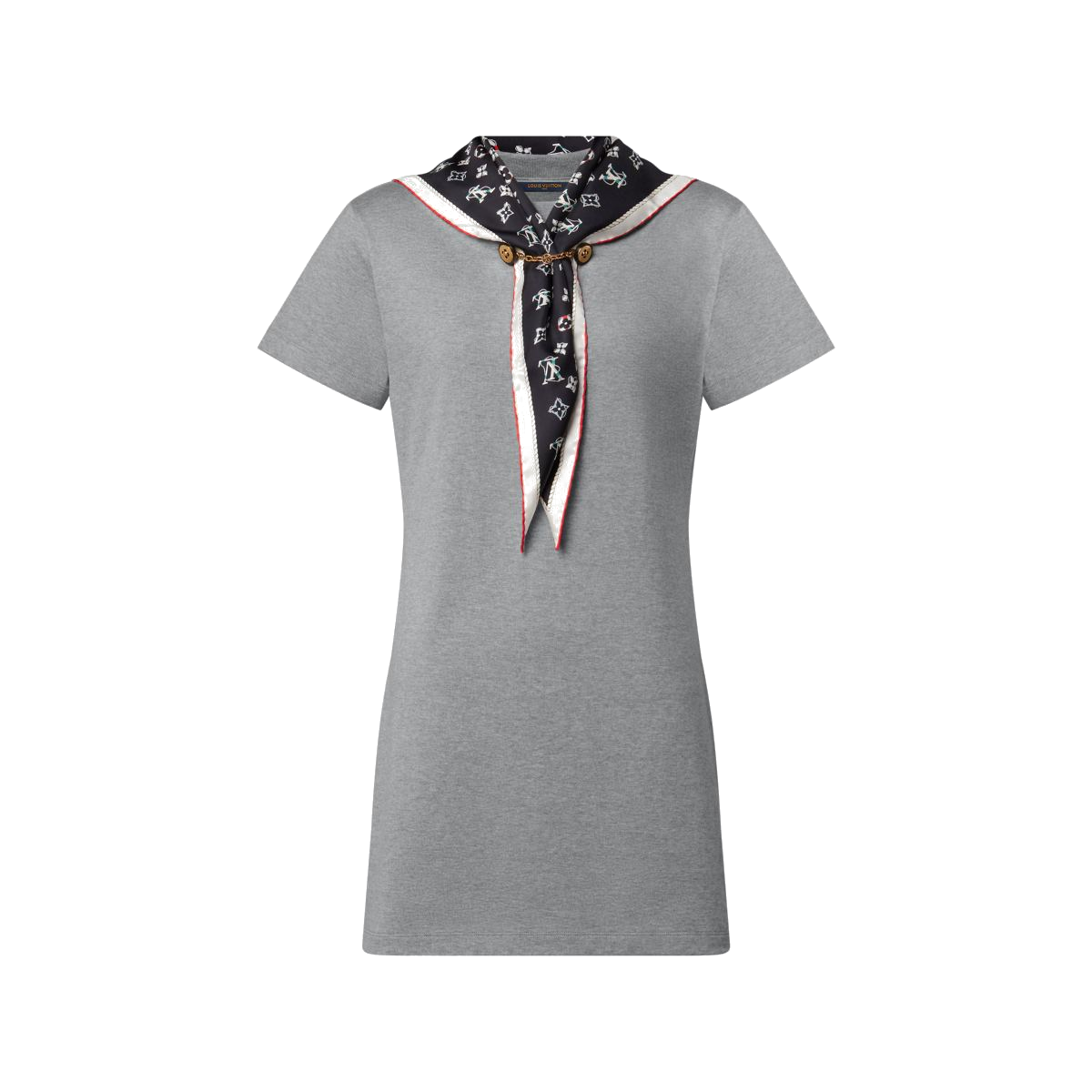
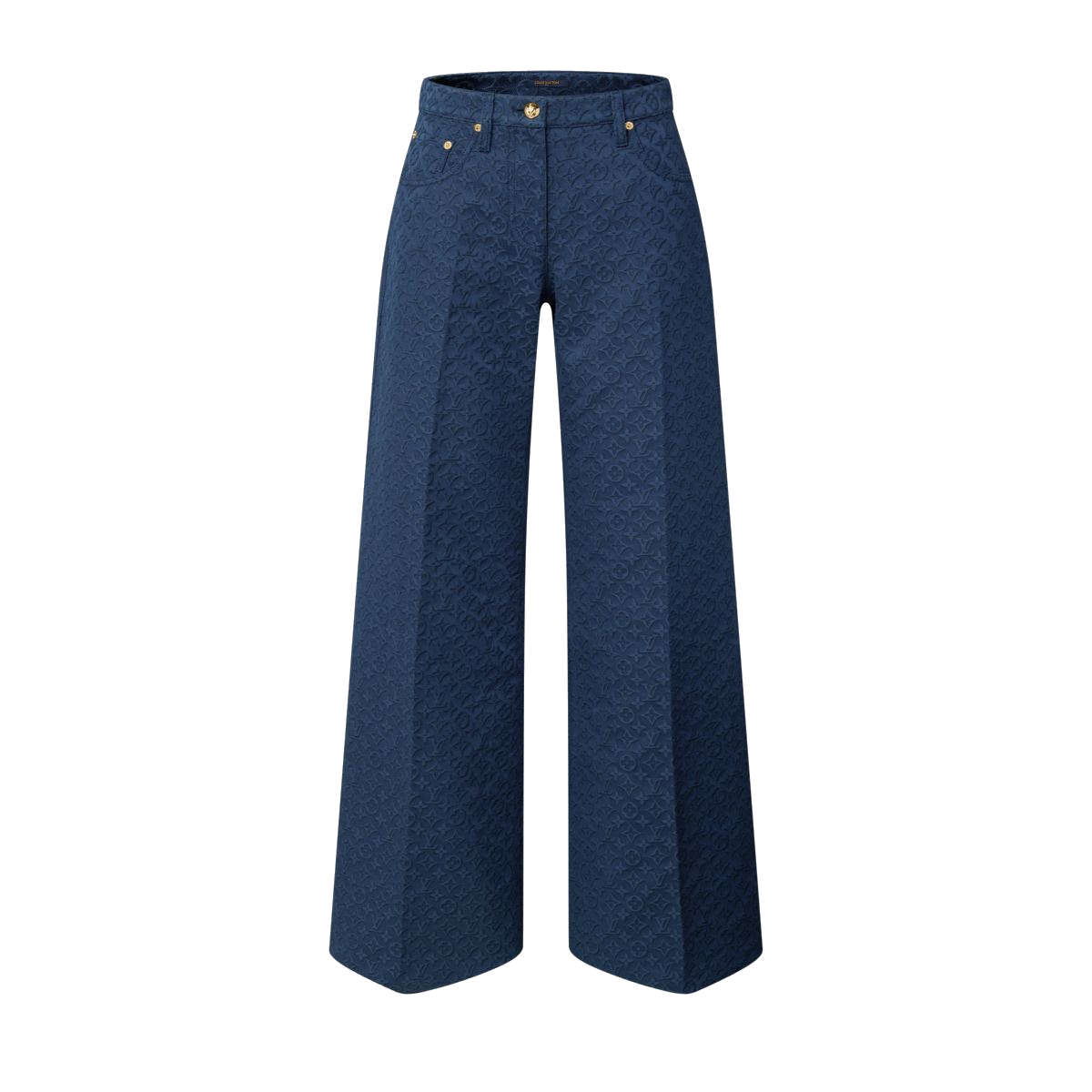
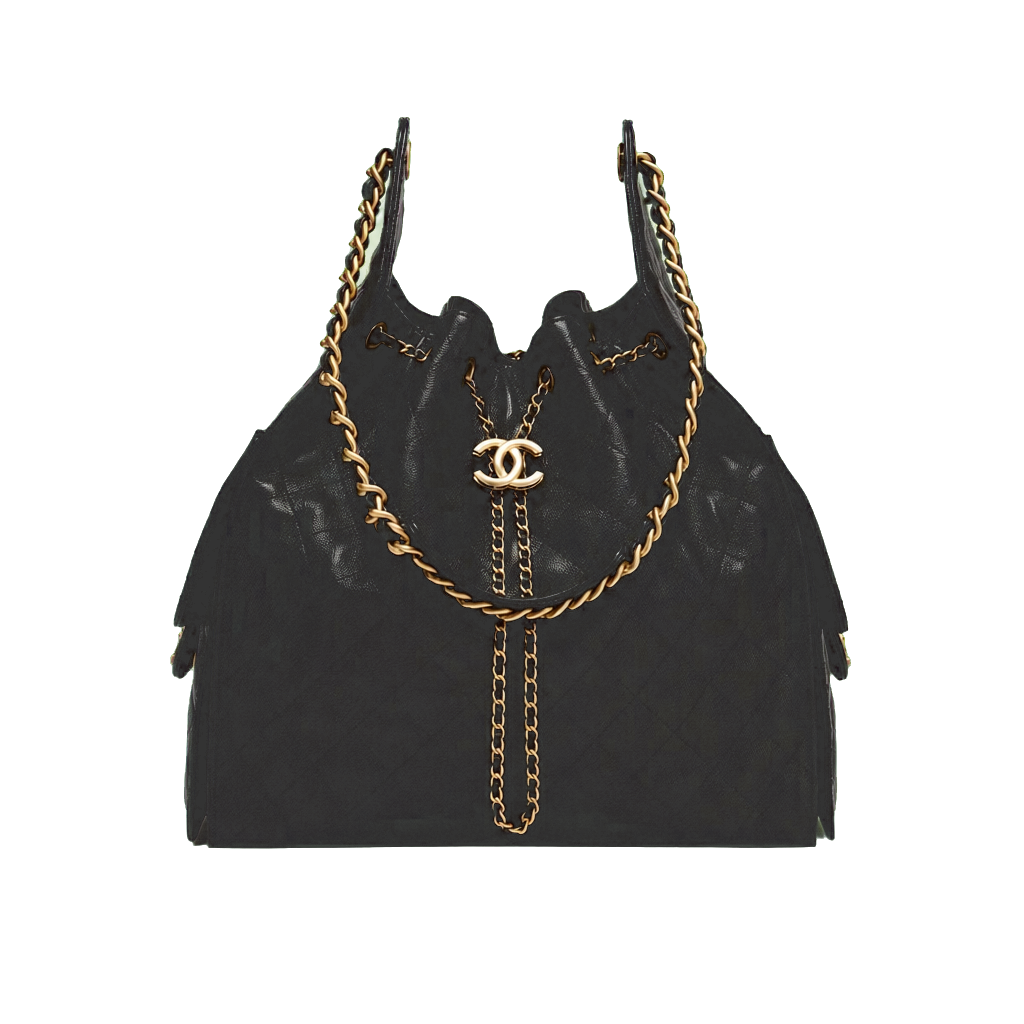
Upload one person photo and the pieces you want to test. WhatToWear.ai composes a polished try-on preview that keeps the outfit readable and the styling direction clear.
How it works
Upload one person photo and the clothing items you want to preview so the tool can compose a styled try-on image before you buy, pack, or wear the look.
Use virtual try-on when you want to see how specific garments could work together on you, not just get text-based styling ideas.
Full-body photos and clear garment images make the preview easier to trust, especially when you are comparing multiple pieces.
This page is built for previewing outfits on yourself before you commit to a purchase, a travel pack, or a styled look.
Virtual try-on
Best results: one clear full-body person photo plus clean garment cutouts or flat lays.
Cost 1 credit
The result
Multiple garments are supported. We’ll pass the person image first when provided, matching OpenAI’s try-on ordering.
Tool chooser
Build several outfits around one hero item when you need styling direction more than visual try-on realism.
Preview clothes on yourself when you want to compare specific garment combinations before committing.
Learn which palette direction flatters you before choosing future outfit colors.
FAQs
The tool combines your person photo and garment references into one styled preview image so you can judge the look before wearing or buying it.
No, but a person photo gives you the strongest try-on preview. Garment-only mode is better for a quicker styling check.
Virtual try-on is for visual outfit preview. Outfit generator is for broader styling direction around one hero item.
Related guides
Use the blog to get broader styling context before or after running a try-on preview.
A practical checklist for judging whether a try-on tool is useful enough for real outfit decisions.
Use one person photo and garment images to get a more decision-ready try-on preview.
Useful when you want to test a few outfits before you pack them.